Navigation by Examopotamia
Drive with everyone on the road.
Live reports from drivers around you, routes that steer around them, and a screen built for CarPlay. On open maps, free to use.
How it works
The road tells you what's ahead.
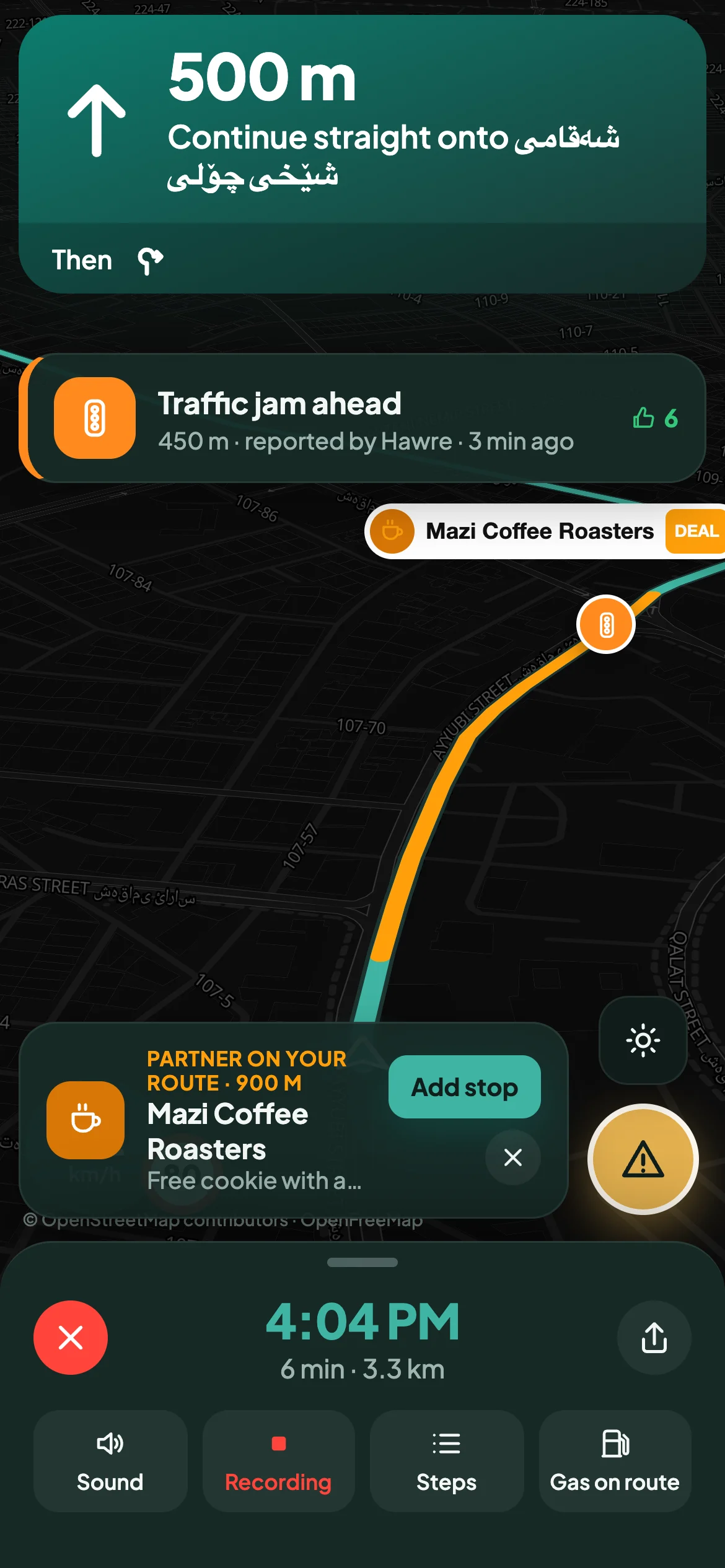
Every driver is a pair of eyes. When someone spots a hazard, a speed camera or a jam, everyone behind them knows within a second, and Potamia plans around it.
Tap once to report
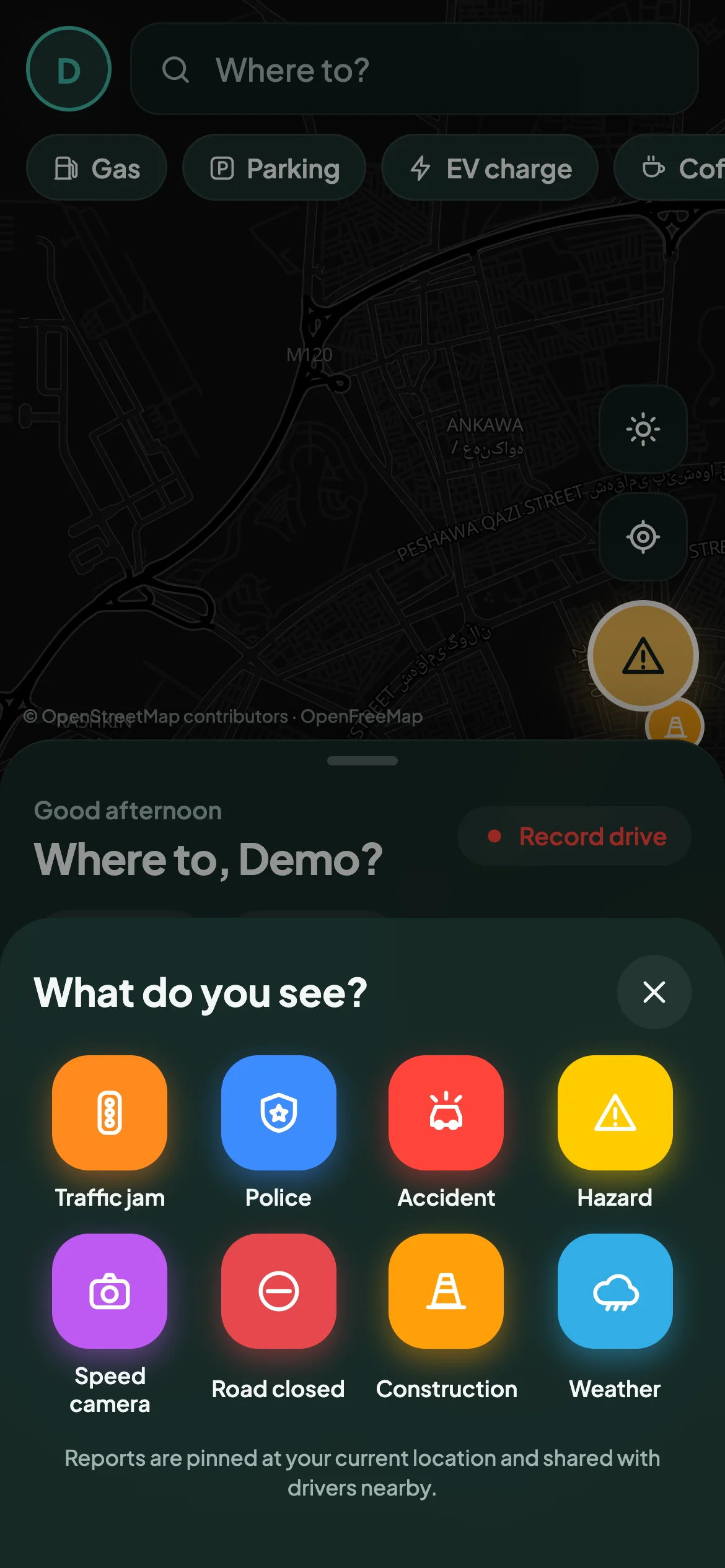
Big buttons, made to use at a red light: traffic, police, accident, hazard, camera, closure, roadworks, weather.
Drivers nearby hear about it
"Hazard ahead, 400 metres." Spoken and on screen, with who reported it and when.
Confirm as you pass
"Still there?" One tap keeps the map honest. Old reports disappear on their own.
Features
Everything a good drive needs.
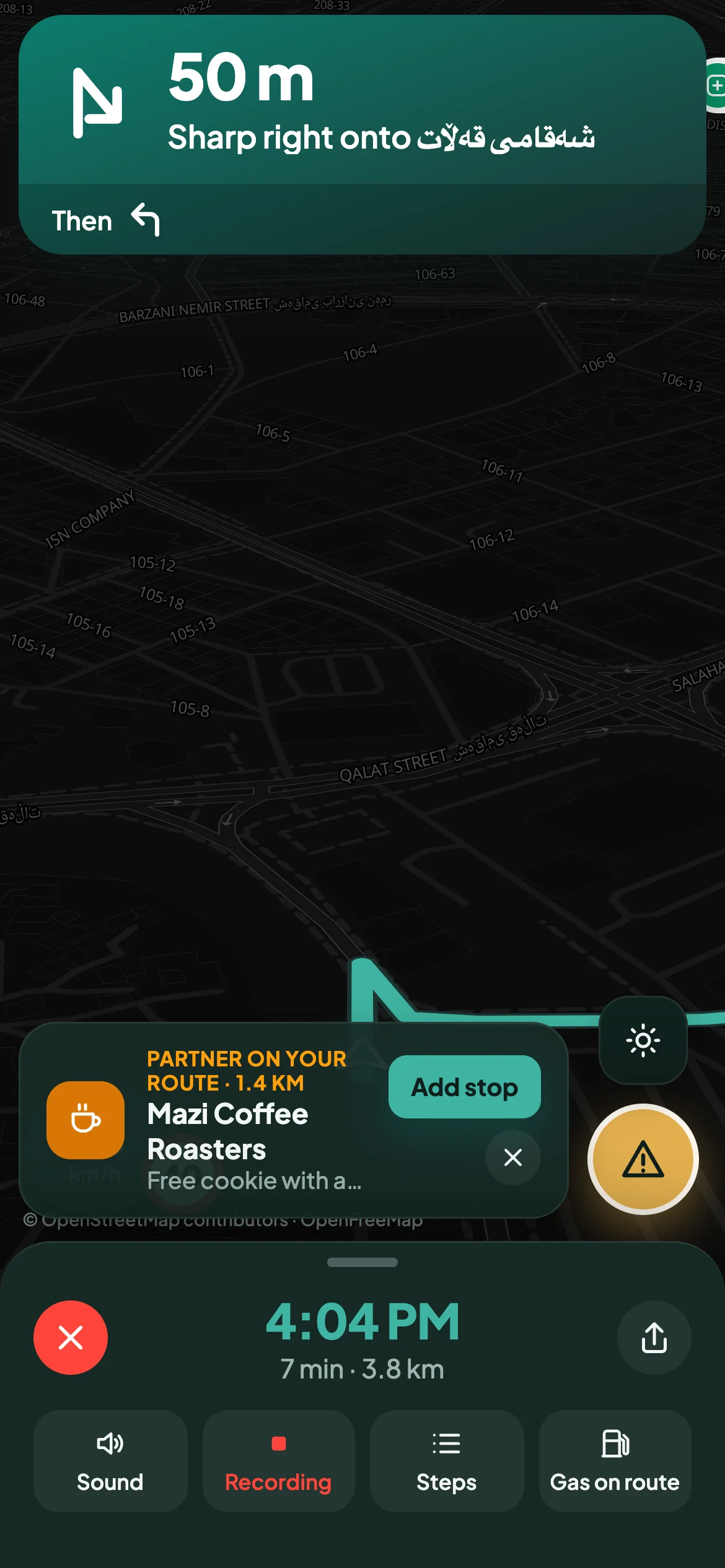
Designed for a glance, not a stare. Clear turns, calm alerts and nothing you have to dig for.
Smart routes
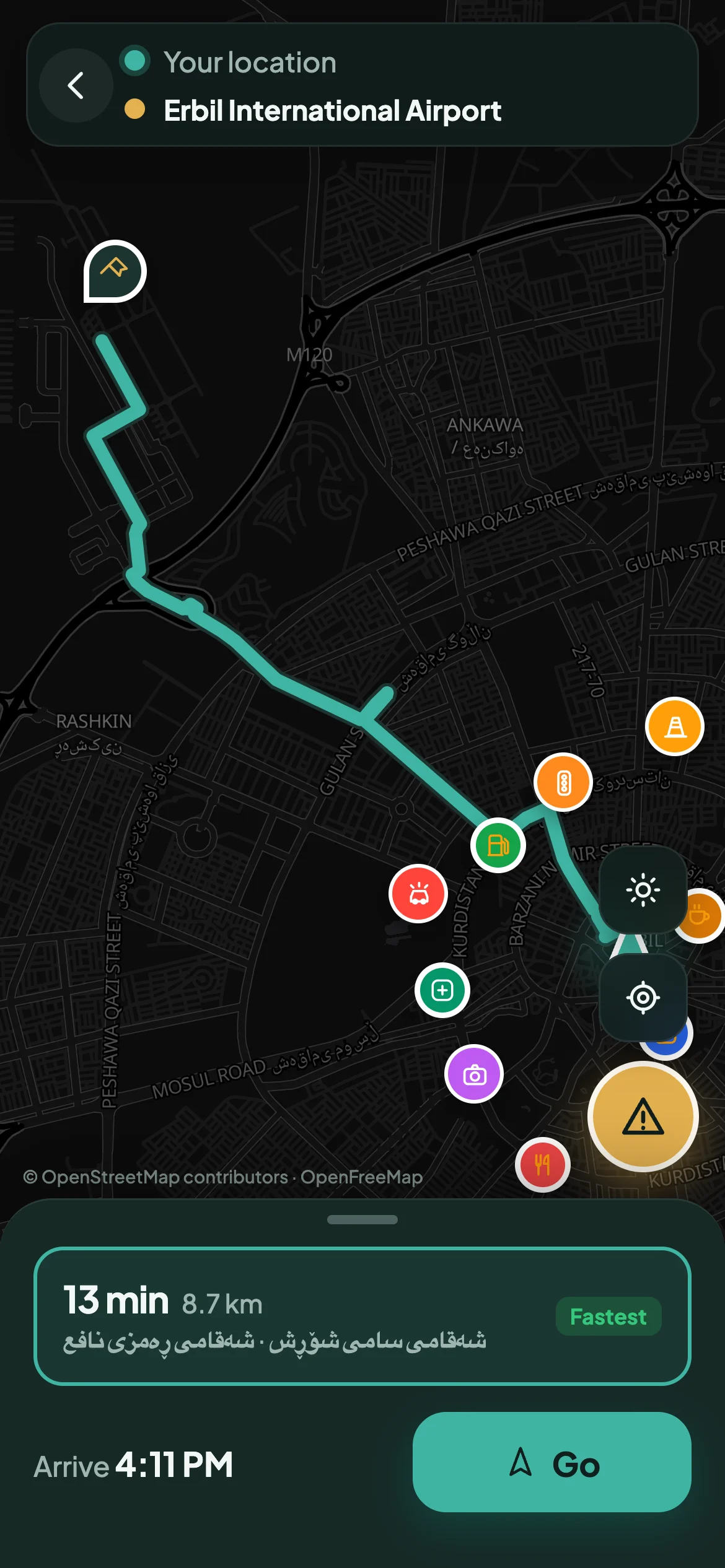
Alternatives side by side, with traffic and reports marked on each, so you choose with eyes open.
Voice guidance
Turns called at 800 m, 300 m and at the corner. Hazards spoken as you approach them.
Speed and limits
Your speed beside the limit for the road. It turns red when you're over, never louder than that.
Real GPS, auto reroute
Drives with your phone's GPS and finds a new way the moment you leave the route.
Drive recording
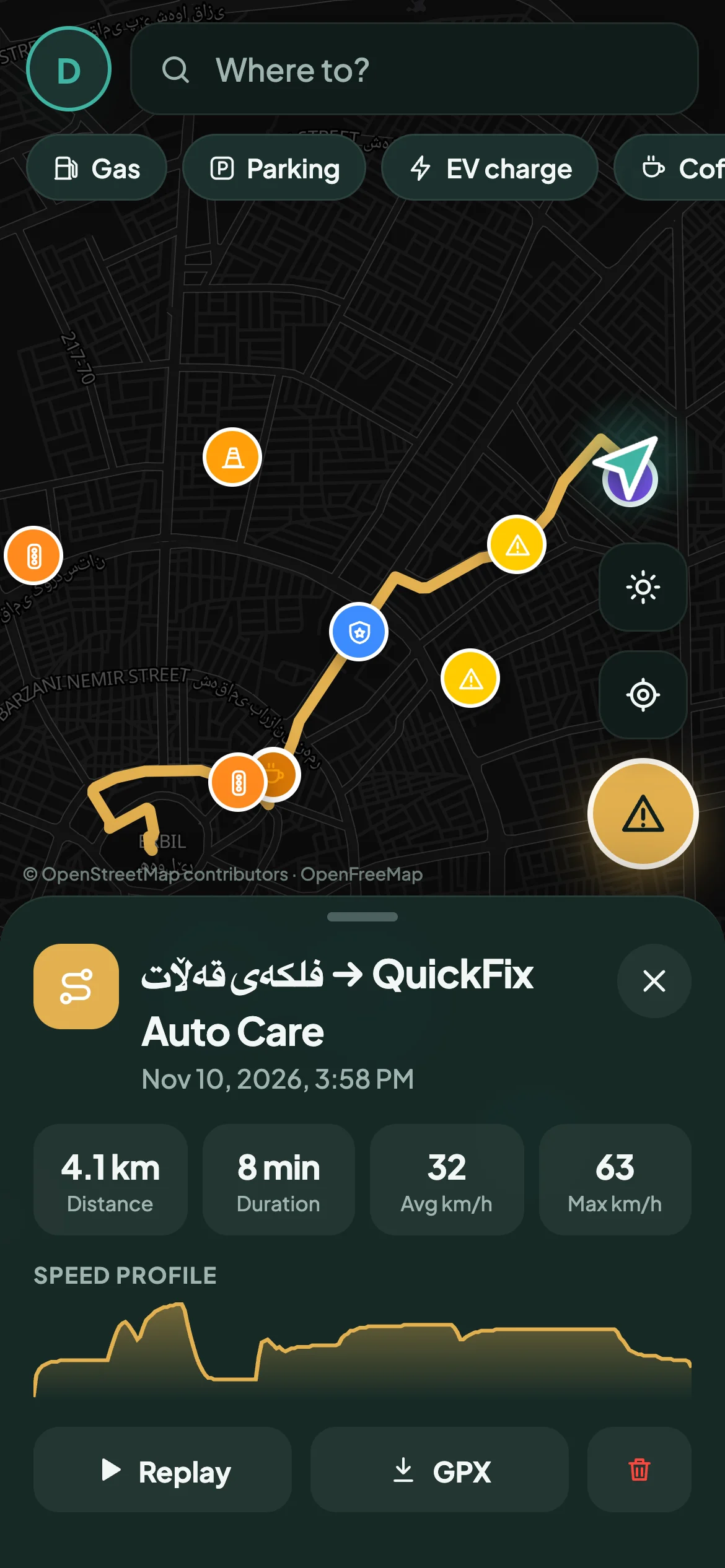
Every drive saved with its track, speed profile and stats. Replay it, or export it as GPX.
Day and night maps
A bright map by day and a calm dark one at night, switching on its own.
Points and levels
Reports and confirmations earn points. Go from Rookie to Road legend.
Share your arrival
Send your ETA to anyone in one tap, so nobody has to call while you drive.
Apple CarPlay
Made for the screen in your car.
Potamia uses Apple's own CarPlay navigation design, so it feels native from the first turn: big type, clear arrows and only what you need at speed.
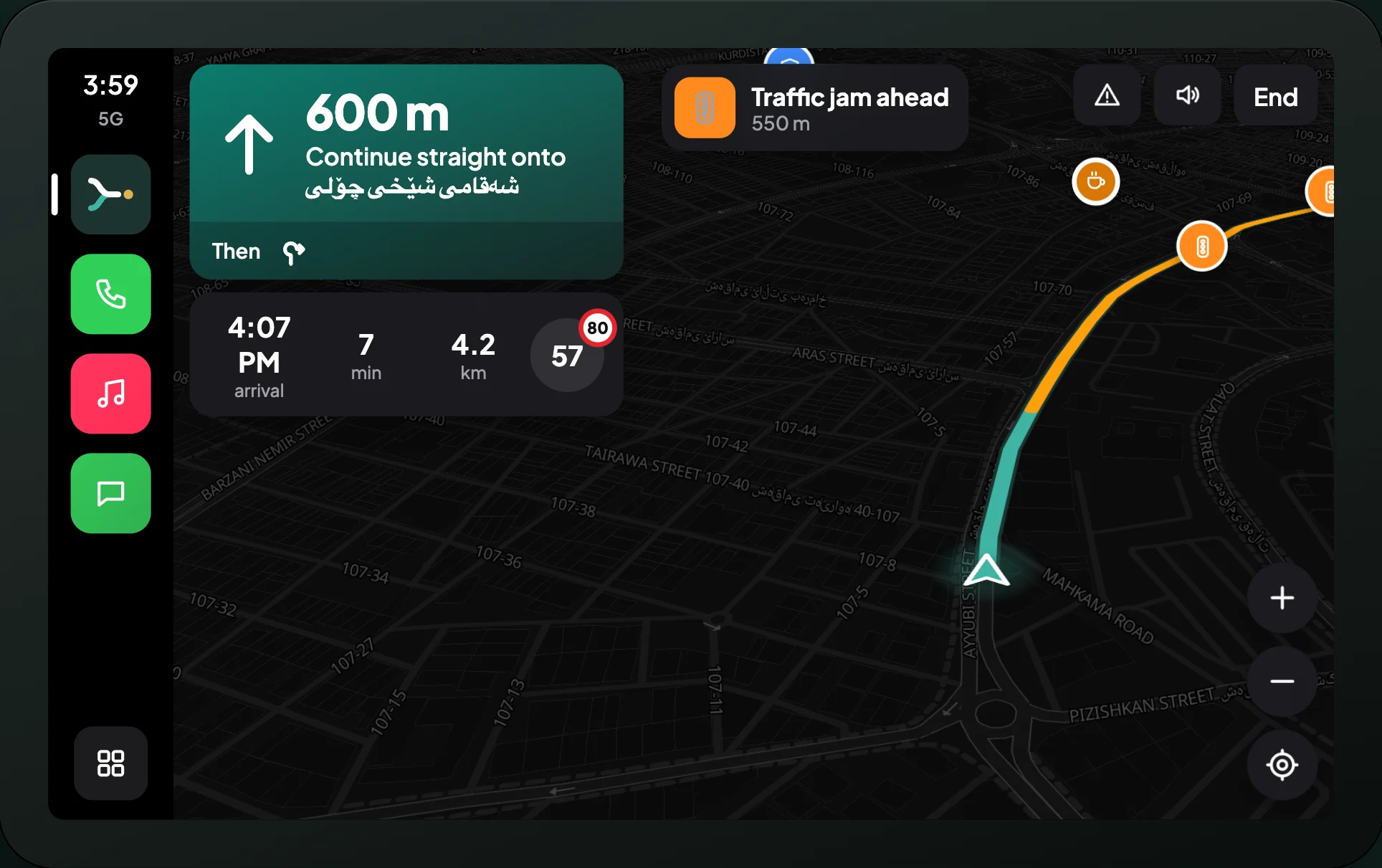
Turns you can read at a glance
Distance, arrow and street on the left; arrival time, minutes and kilometres underneath.
Hazards, without the clutter
Alerts slide in, speak once and leave. Confirm a report with a single tap on the car screen.
Nothing to sell you
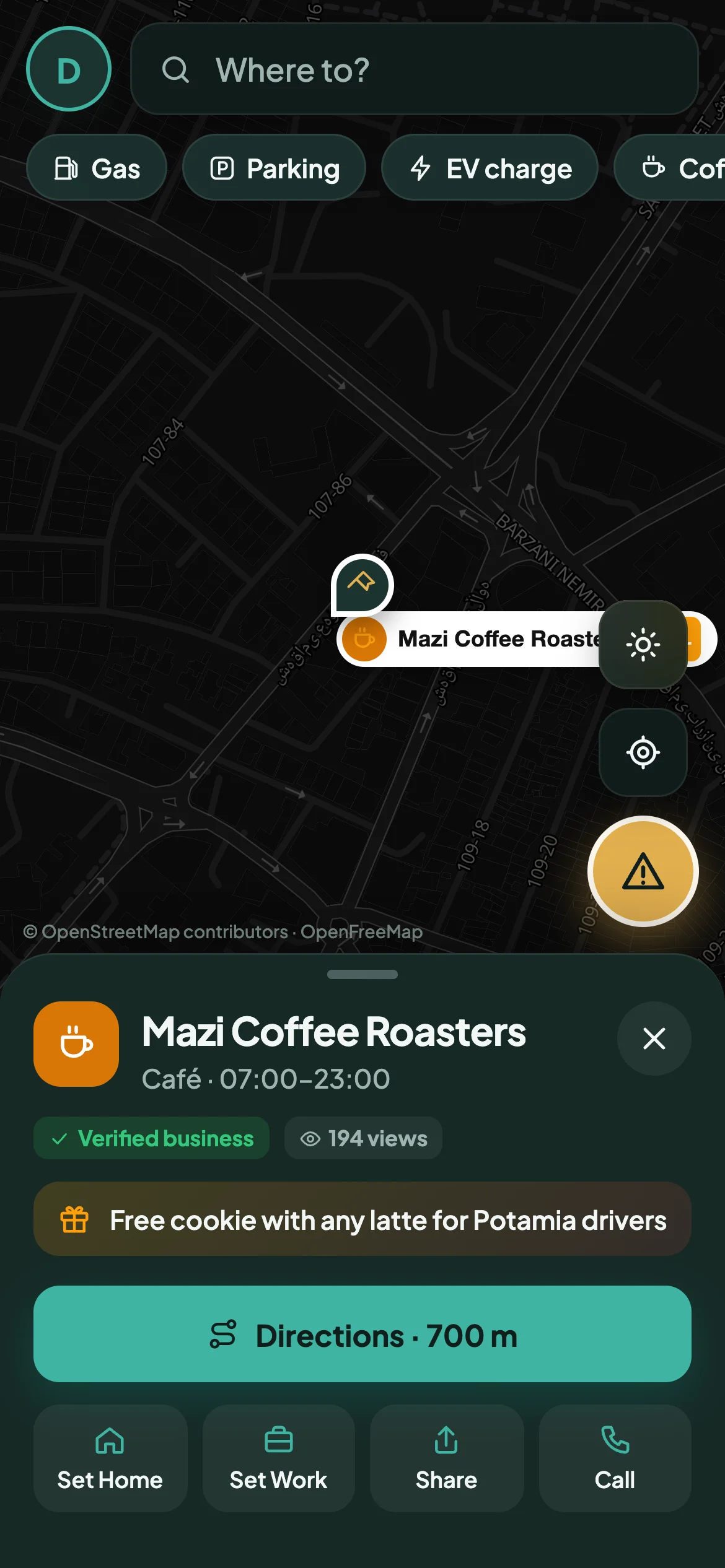
Partner offers stay on your phone. The car screen is for driving, and that's all.
The native iPhone app with CarPlay is in final testing. Until it ships, Potamia runs in your phone's browser.
On your phone
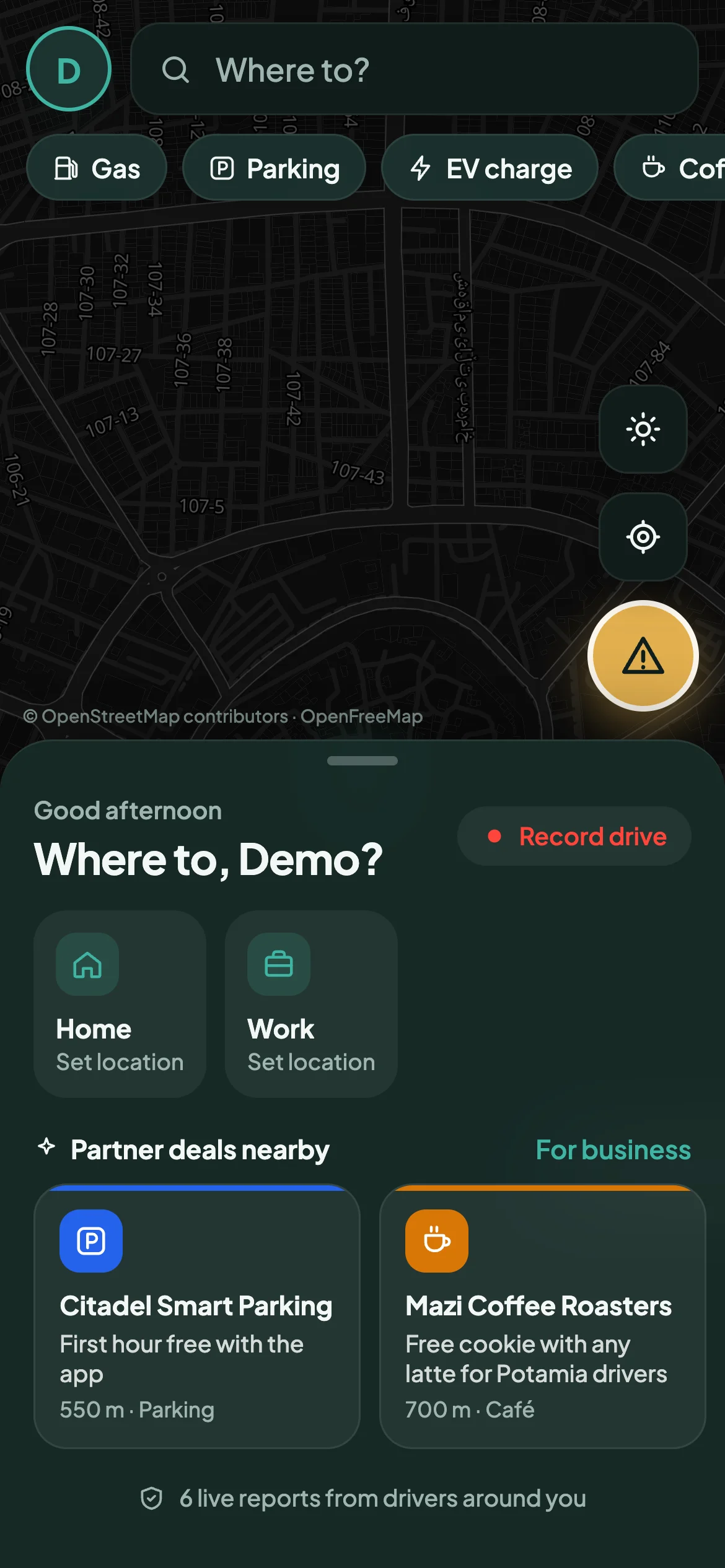
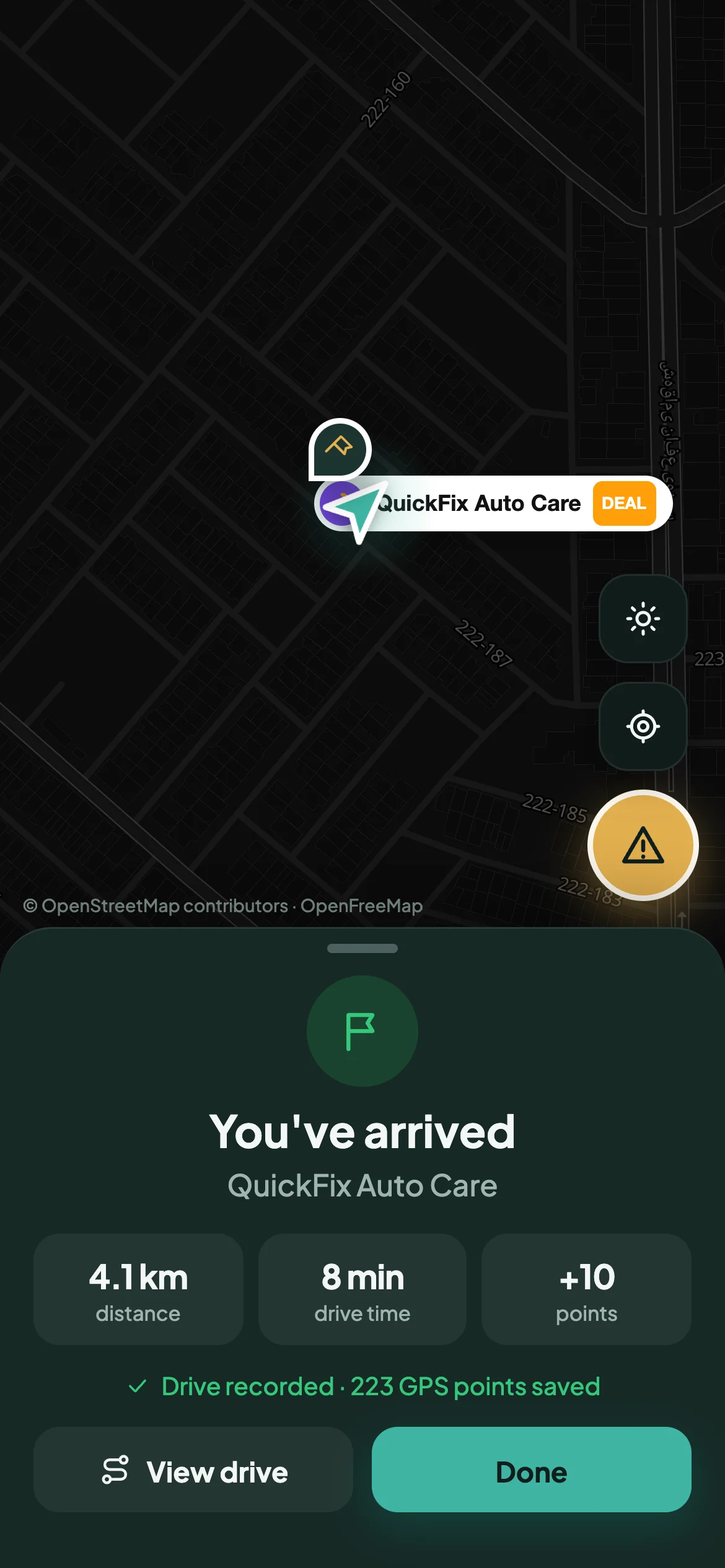
Calm when you're parked, clear when you're driving.
For businesses
Put your business on the map.
Cafés, fuel stations, parking, garages, chargers. List yourself in a few minutes and reach drivers at the moment they're passing your door.
Open by design
Built on maps that belong to everyone.
Potamia runs on OpenStreetMap, the map made by millions of people. Our name comes from the land between two rivers, where the first records were pressed into clay. We think the record of our roads should be shared too.
Questions
Good to know.
Does Potamia cost anything?
No. Potamia is free for drivers. Businesses can list themselves for free too.
How do I get it on my phone?
Open potamianav.examopotamia.com/app on your phone, then choose "Add to Home Screen" (Safari on iPhone) or "Install app" (Chrome on Android). It opens full screen like any other app and drives with your phone's GPS.
When is the CarPlay app coming?
The native iPhone app with CarPlay is in final testing. The phone experience in your browser already has everything else: routes, live reports, voice and drive recording.
Where does it work?
Anywhere OpenStreetMap has roads, which is almost everywhere. Live reports are richest where the most Potamia drivers are.
How do reports stay accurate?
Each report shows who made it and when. Drivers who pass it are asked "Still there?". Confirmations keep it on the map; when more drivers say it's gone, it's removed. Every report expires after a few hours anyway.
How does a business get listed?
Create an account, open the business portal, pin your entrance and add your hours and an optional offer. A person reviews each listing, and it goes live on the map as soon as it's approved.
What happens to my location?
Your position is used to guide you and to place the reports you choose to share. Your drives are saved to your account so you can look back at them, export them or delete them. We don't sell your data.